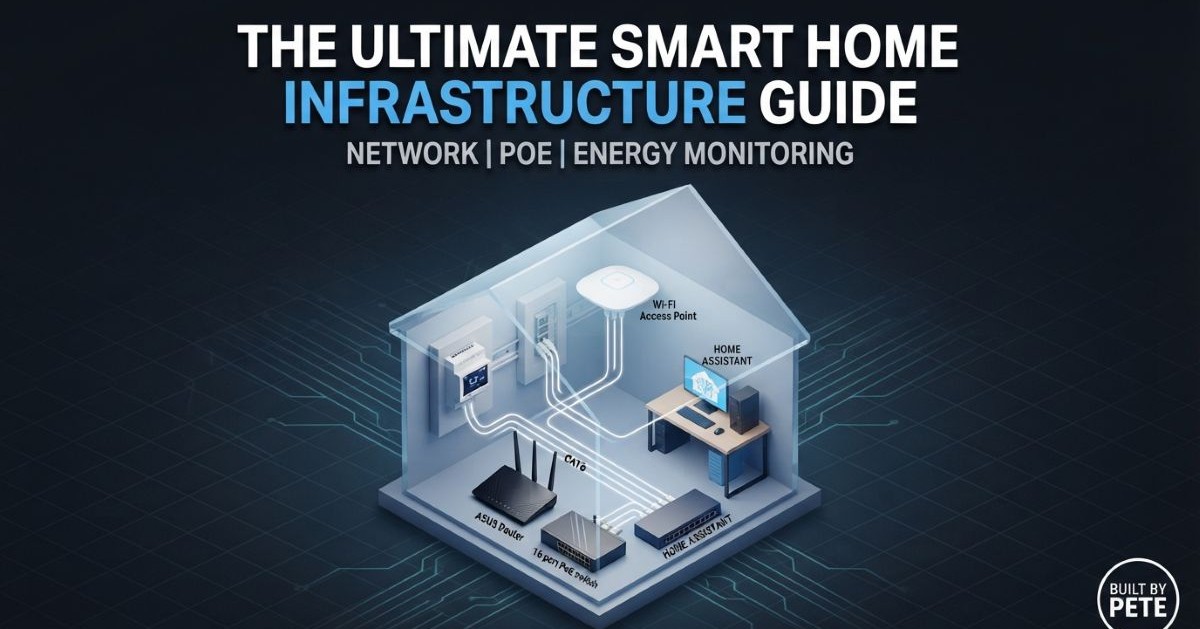
Building a Smart Home Infrastructure Guide: The Connected Home Blueprint
Welcome to my smart home infrastructure guide. Modern DIY home improvement isn’t just about carpentry and wiring; it’s about creating a living space that works for you. Whether you are running power to a shed, optimizing your Wi-Fi for high-bandwidth devices, or tracking your carbon footprint through energy monitoring, the principles are the same: measure, plan, and automate.
In this guide, we’re looking at the core pillars of a modern, “Built By Pete” smart home: Reliable Network Infrastructure, Wi-Fi Mesh Optimization, PoE Hardwiring, Network Performance Testing, Intelligent Energy Monitoring, and Scalable DIY Integration.
1. Smart Home Infrastructure Guide: Network Reliability & Security
Before you can automate your lights or monitor your power, you need a robust network. Most DIY smart home issues aren’t caused by bad sensors; they are caused by insecure, congested or unstable Wi-Fi. If your router is still using the ISP-provided settings, you are leaving performance on the table.
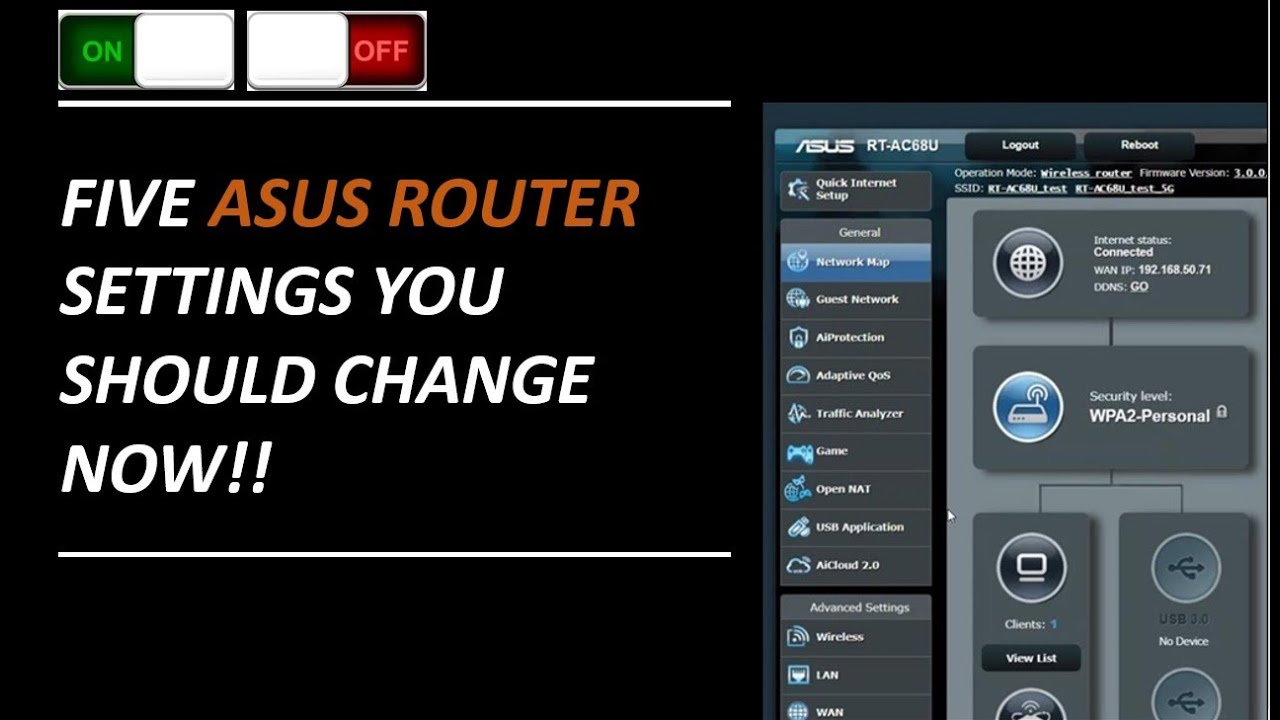
In the video above, I walk through the non-negotiable configuration changes you need to make to ensure your network is secure.
Top Tip: Make sure your using your router’s full potential. Take a look at my guide for unlocking the 7 hidden router features hiding in plan site.
2. Scaling Coverage: Mastering ASUS AiMesh & Hidden Wi-Fi Features
Once your main router is dialed in, the next step in this Smart Home Infrastructure Guide is expanding coverage across a larger home or outbuilding using a mesh setup. However, standard mesh configurations can sometimes cause stationary devices (like security cameras or smart TVs) to bind to the wrong node. Fine-tuning your mesh system and locking down hidden wireless settings is the secret to getting rock-solid, seamless roaming.
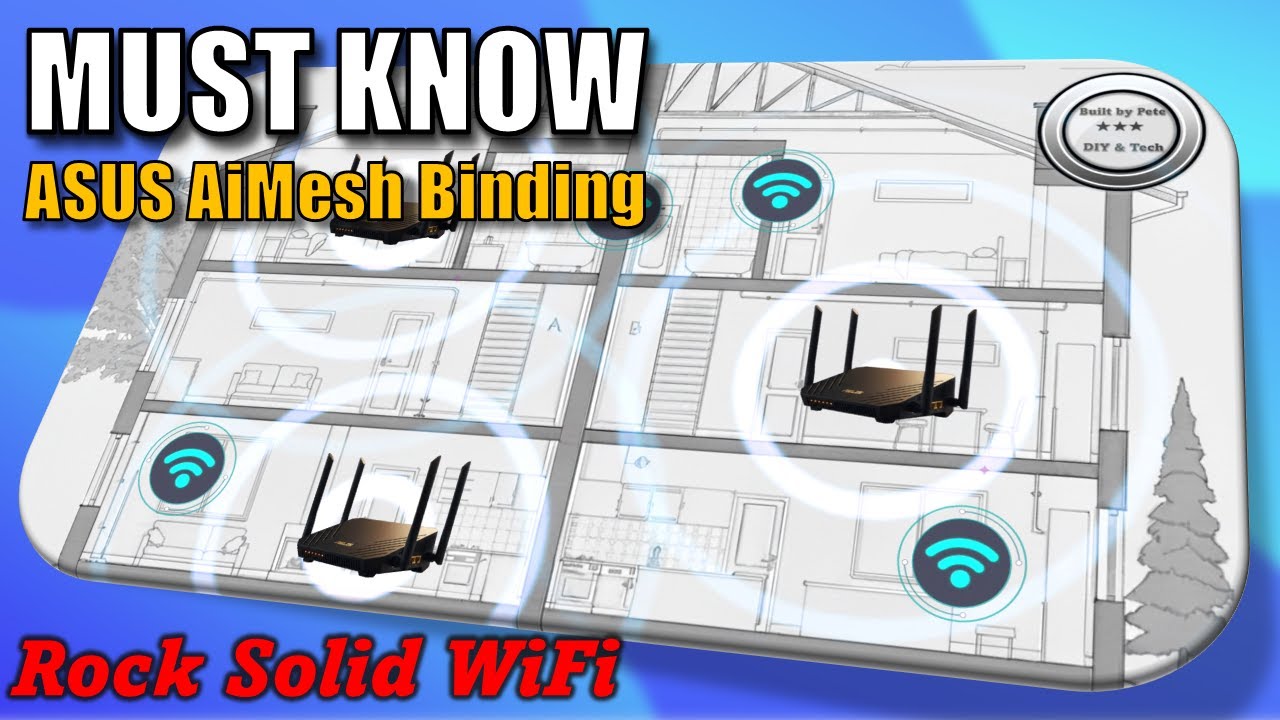
Watch the video above to learn how to lock devices to specific nodes and bypass erratic roaming behaviors.
Read more: make sure you take a look at The Router Placement Guide: How to Increase Your WiFi Range for Free and ensure you get the best WiFi coverage for your home
3. Going Hardwired: Power over Ethernet (PoE) Integration
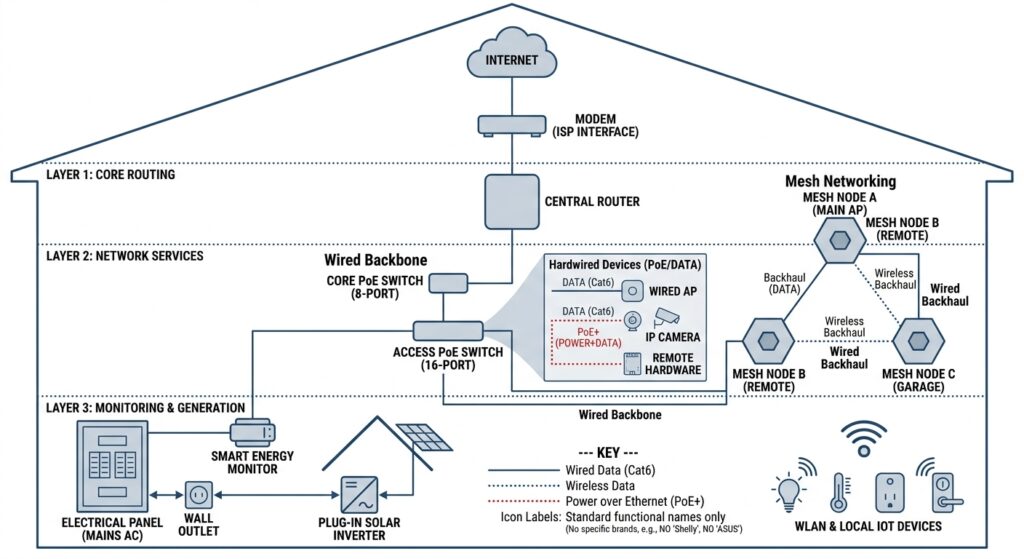
A core recommendation in this Smart Home Infrastructure Guide is to hardwire high-demand devices using Power over Ethernet (PoE) rather than relying solely on Wi-Fi. While wireless mesh handles mobile devices easily, hardwiring your heavy hitters—like IP security cameras, access points, and remote hardware—is always superior. That is where Power over Ethernet (PoE) comes in, letting you send both data and electricity down a single cable without needing a power outlet nearby.
Read more: PoE (Power over Ethernet) Explained: The Secret to a Professional DIY Smart Home
4. Verify Your Speed: Building Your Own Network Speed Tester
As emphasized throughout this Smart Home Infrastructure Guide, verifying performance across different rooms requires testing local throughput rather than relying on public speed test sites which can skew results due to server congestion. Setting up your own dedicated local speed testing solution gives you objective, hard data on your network’s actual throughput.
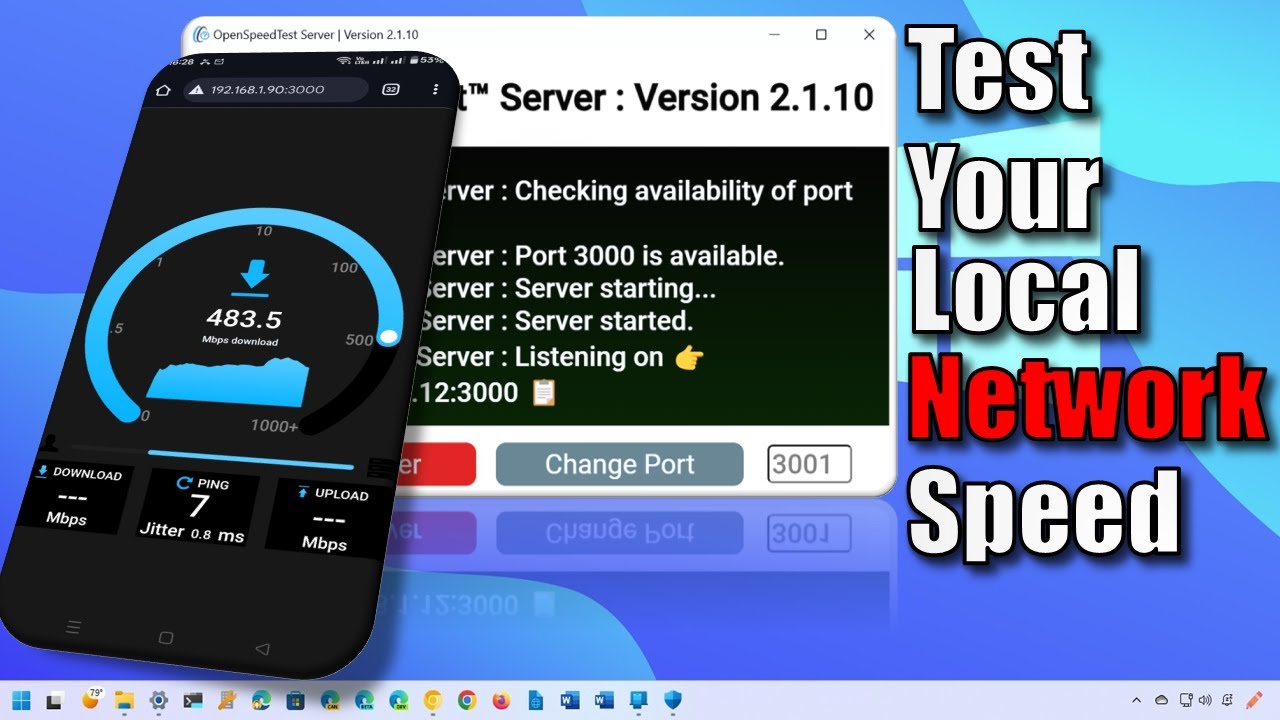
Watch the video above to see how to set up an independent testing tool so you can accurately diagnose Wi-Fi dead zones, bottlenecked switches, and true throughput.
5. Energy Intelligence: Seeing the Invisible
You cannot improve what you cannot measure, which is why energy monitoring forms the core intelligence layer of this Smart Home Infrastructure Guide. Many homeowners are shocked to find that their “energy-efficient” appliances are actually driving up costs due to phantom loads or faulty wiring. By using smart energy monitors like Shelly, you turn your home’s electrical panel into a dashboard of actionable data.

Once you have the hardware installed, the real power comes from the software. Whether you are exporting data to Excel for analysis or pushing it to a dashboard, the goal is total visibility.
6. Beyond Monitoring: Stepping Into DIY Plug-In Solar
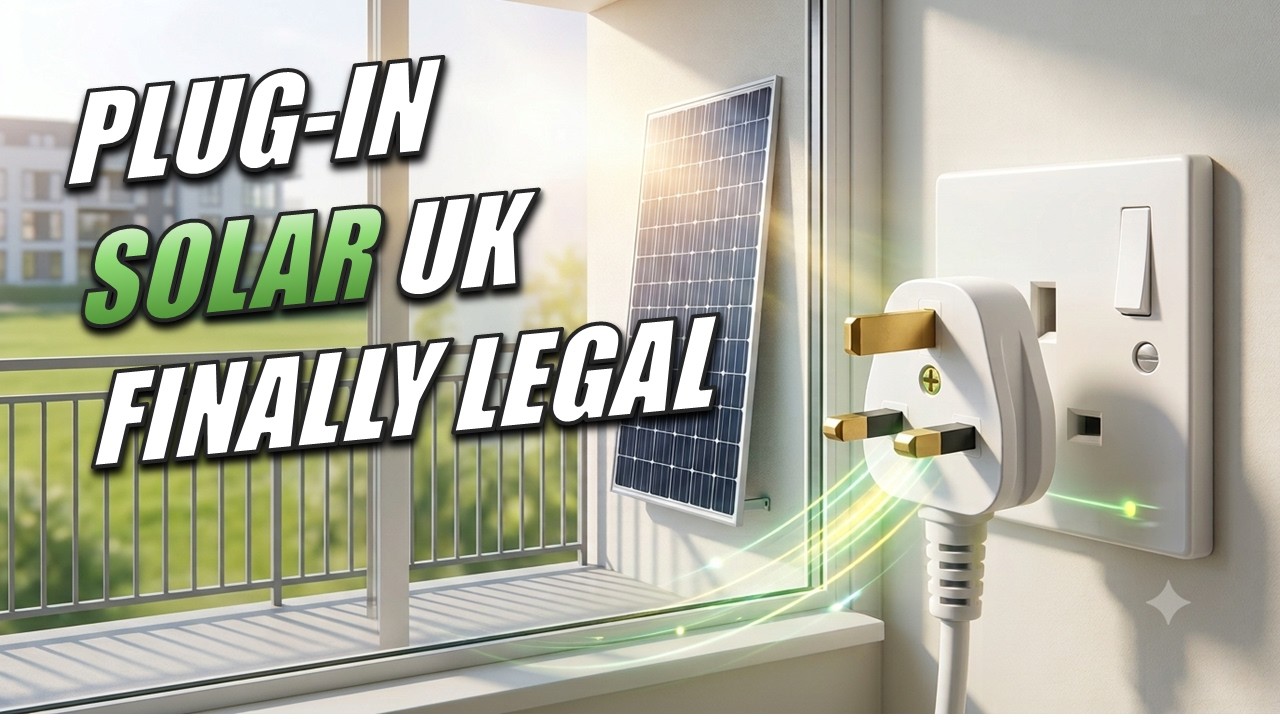
Once you have complete visibility over your home’s energy consumption via smart meters, the logical next evolution of an efficient smart home infrastructure is generating your own power. Exploring DIY plug-in solar solutions allows you to offset your baseline power consumption directly from a standard wall socket safely and efficiently.
The UK has finally approved plug-in solar solutions. Take a look at what that means for you if you live in the UK.
7. Keeping Your System Healthy: Proactive Maintenance
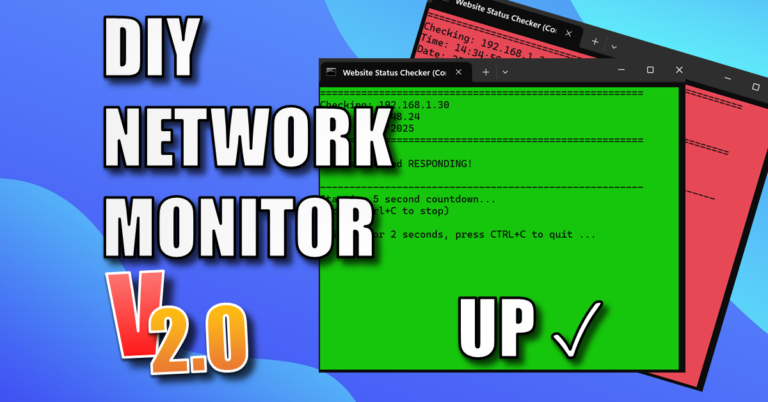
Following a comprehensive Smart Home Infrastructure Guide means taking care of maintenance proactively to keep your hardware stable over time without unexpected failures. To ensure your hardware stays online without manual intervention, you can implement proactive measures like setting up automated router reboots. Additionally, keeping an eye on uptime with a simple DIY network monitor provides an early warning system for your network. A little routine maintenance today prevents a massive troubleshooting headache tomorrow.
8. Putting This Smart Home Infrastructure Guide into Practice: The “Smart Shed”
All of these concepts—networking, PoE, mesh systems, power distribution, speed testing, and monitoring—come together in my ongoing “Ultimate Smart Shed” series. Treating an outbuilding as a standalone project is the best way to master these skills because it forces you to account for weatherproofing, cable runs, and remote connectivity.
Want to see the complete build series
I logged every single phase of this build chronologically on camera. If you prefer a visual walkthrough alongside this guide, you can click here to binge the full Smart Shed Build Series on YouTube and watch the entire process unfold.
▶ Watch The Complete Shed Build SeriesWhy “Building Smarter” Matters
Following this Smart Home Infrastructure Guide ensures your smart home is built as a marathon, not a sprint—giving you a stable foundation ready for future automation and upgrades. By focusing on the infrastructure first—stable internet, optimized mesh nodes, PoE deployment, verified speeds, monitored power, and safe electrical runs—you build a system that is robust enough to handle any upgrade you throw at it next year.
Core Infrastructure Summary
| Layer | Recommended Strategy | Primary Benefit |
| Network Core | Hardwired Ethernet + PoE Switches | Maximum stability, no power outlet needed at endpoint |
| Wireless | Mesh Wi-Fi with node locking | Eliminates dead zones without device-stickiness bugs |
| Diagnostics | Local throughput testing | Accurate local bandwidth testing independent of ISP speeds |
| Energy | Panel-level smart monitoring & Plug-in Solar | Live visibility into phantom loads and renewable generation |
Ready to start your next project?
- Check your wiring math using our Voltage Drop Calculator.
- Understand your gear by verifying its IP Rating.
- Subscribe to the YouTube Channel for the latest hands-on tutorials.
More to Interest You
- Shelly EM: Smart Energy Monitoring Guide
- Simple DIY Network Monitor Using a Windows Batch Script V2 (Beginner Friendly)
- Schedule Router Reboot: Why Your Wi-Fi Needs It (And How to Do It Easily on ASUS)
- Not Just For WiFi: The 7 Hidden Router Features Hiding in Plain Sight
- The Solar Journey: Now is the Time for “DIY Plug In Solar”
- Why the Neon Mains Voltage Tester Screwdriver is the Most Dangerous Tool in Your Box (And What to Use Instead)
- How to Use the Kewtech KEWCHECK103: The DIY Guide to Testing Your Sockets
- The Best Desk Upgrade: Knightsbridge Mini Pop-Up USB Charger Review
Frequently Asked Questions (FAQ)
What is the first step in a Smart Home Infrastructure Guide?
The foundational step in any Smart Home Infrastructure Guide is securing and optimizing your local network. Prioritize router placement, split your 2.4GHz and 5GHz Wi-Fi bands, and use Power over Ethernet (PoE) for stationary devices like cameras before adding smart sensors.
Why is Power over Ethernet (PoE) recommended in this Smart Home Infrastructure Guide?
Power over Ethernet (PoE) allows you to deliver both high-speed data and electricity through a single network cable. Following a Smart Home Infrastructure Guide that utilizes PoE ensures critical devices like access points and security cameras remain stable without clogging your Wi-Fi bandwidth.
How does energy monitoring fit into a Smart Home Infrastructure Guide?
Energy monitoring allows you to track real-time power consumption, identify phantom electrical loads, and measure appliance efficiency. Incorporating smart energy monitors into your Smart Home Infrastructure Guide provides the actionable data needed to optimize energy use and integrate DIY plug-in solar systems safely.
Subscribe Now!
I hope you found this smart home infrastructure guide helpful. If you’re ready to stop guessing and start troubleshooting your own home tech and smart DIY projects safely, head over to the Built By Pete YouTube channel! We’ve got hundreds of step-by-step tutorials to simplify your tech life. Click here to subscribe and hit the notification bell so you never miss a guide!