Why You Need a Cheap USB Power Meter (And How to Test Your Chargers)
Have you ever wondered why your phone charges lightning-fast one day and takes an absolute age the next? The truth is, not all chargers and cables are created equal. Fortunately, there’s a ridiculously cheap, tiny tool that can help you diagnose and fix all your charging mysteries: the USB power meter.
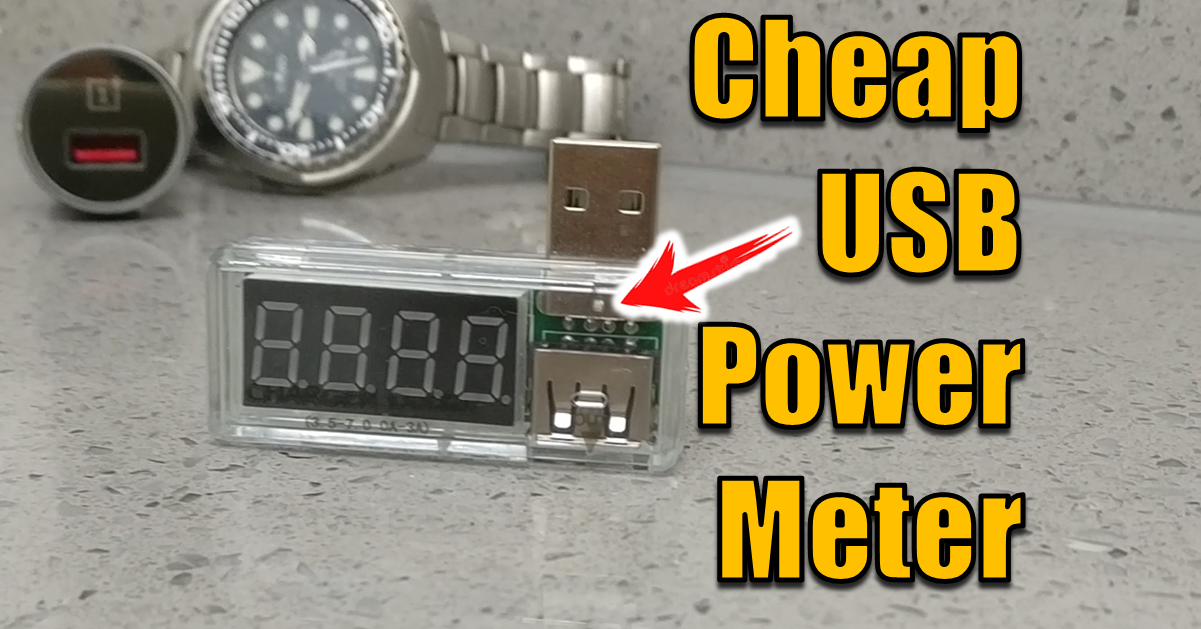
Often available for just a few dollars, this simple device plugs in between your charger and your phone, acting as a “doctor for your gadgets.” It provides real-time data on the electricity flowing into your device, helping you ensure your equipment is healthy and performing as advertised.
What is a USB Power Meter?
A USB Power Meter is a simple device that acts as a digital stethoscope for your charging cables and ports. It instantly displays key metrics, allowing you to instantly determine the health and performance of your charging setup.
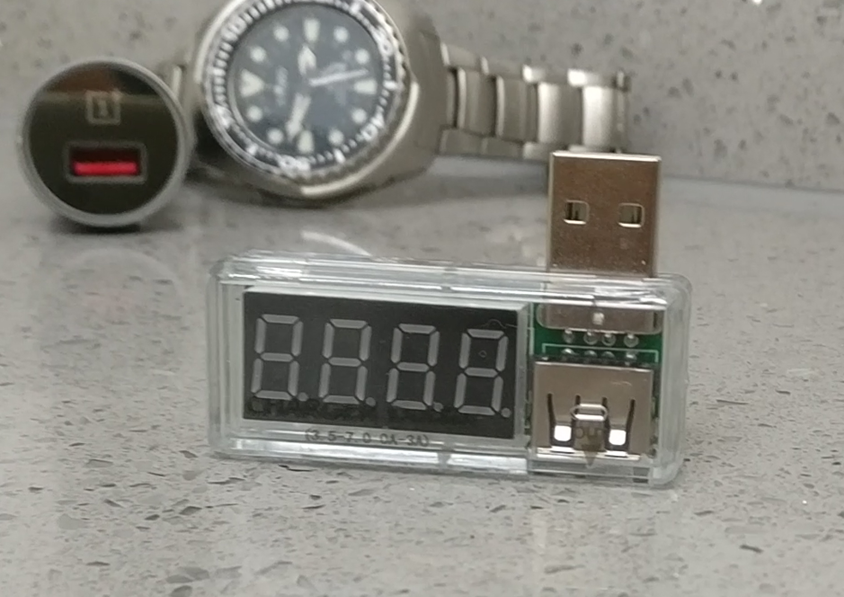
The meter measures and displays three crucial metrics:
- Voltage (V): Measures the electrical potential, usually around 5V for standard USB.
- Current (A): Measures the actual flow of electricity (Amperage). This is often the bottleneck for slow charging.
- Power (W): Measured in Watts (W), this is the total power being delivered (Voltage multiplied by Current: V X A = W).
To see this device in action and learn more tech tips, watch the full video on YouTube: >>> Why You NEED a Cheap USB Power Meter! And How to Use It
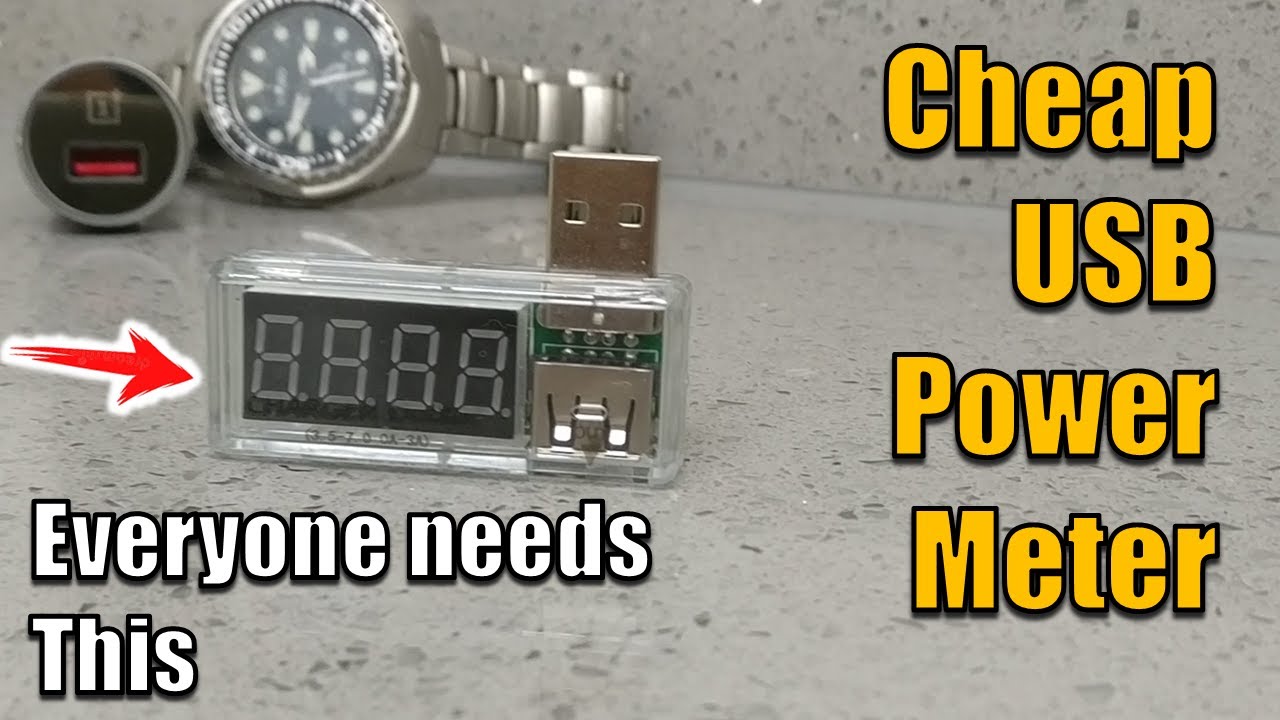
3 Reasons a USB Power Meter is a Must-Have Tool
A USB power meter empowers you to troubleshoot and make smarter purchasing decisions regarding your electronics. Here are the top three ways it saves you time and money:
1. Verify Your Fast Charger’s True Power
You bought an expensive fast charger promising 20W of power, but is it actually delivering? Without a meter, you’re just guessing.
A USB power meter allows you to instantly check the performance of your new power block. If the box promises 20W, but the meter only displays 5W, you know exactly why your device isn’t charging quickly. This is crucial for vetting gear and ensuring you’re getting what you paid for.
2. Expose the “Bad” Charging Cables
Do you have a drawer full of USB cables where some charge fast and others seem to take forever? This meter can expose a bad cable in seconds.
- A good cable will show a high current flow.
- A bad, cheap, or damaged cable will only show a trickle of current.
A switch from a quality setup (high Wattage) to a super cheap cable can instantly drop the performance significantly, explaining the frustratingly slow charging experience.
3. Estimate Power Bank Capacity
Your 10,000 milliamp power bank seems massive, but does it really hold that much energy? A USB power meter can help you estimate the true capacity by showing how much power is delivered over time. It’s the only way to know if you’re truly getting the capacity you paid for.
How to Use Your USB Power Meter (In 3 Easy Steps)
Using this troubleshooting tool is simple and takes less than a minute.
- Plug it in: Plug the USB power meter directly into your wall charger or power bank.
- Connect the cable: Plug your USB charging cable into the output side of the power meter.
- Charge the device: Plug the cable into your phone, tablet, or other USB-powered device.
Once connected, you will see a few numbers on the screen:
| Measure | Unit | Analogy | Description |
| Voltage | Volts (V) | Pressure | Like the pressure of the electricity. |
| Current | Amperes (Amps) | Flow Rate | The flow of the electricity. |
| Power | Watts (W) | Total Work | The total power being delivered (Voltage X Current). |
A higher Wattage number means faster charging. Use this information to troubleshoot which component—the charger, the cable, or even the device itself—is causing any charging issues you might be experiencing.
Conclusion
For a small investment, the USB Power Meter offers huge utility, helping you save money by verifying gear and solving charging headaches. It’s truly a must-have for anyone dealing with electronics. Watch the full video for a comprehensive walkthrough on how to use this amazing little gadget and what results to look for!
A cheap USB power meter is an essential tool for anyone who cares about the health and efficiency of their electronics. It provides the power to troubleshoot, vet your gear, and make smarter purchasing decisions.
Lean More about USB Standards in a quick guide to USB Standards Explained
Why is my phone charging so slowly?
Slow charging is usually caused by one of three things: a low-quality charging cable that can’t handle high current, a wall adapter with a low power output (Amps), or a device that is limiting the charge speed to protect the battery. Using a USB power meter allows you to see the real-time Voltage and Amps to pinpoint exactly which part of the chain is failing.
How do I know if my USB cable is bad?
To test a cable, plug your USB power meter into a known-good wall charger, then connect your phone using the suspicious cable. Note the current (Amps). Now, swap it for a high-quality cable. If the current increases significantly with the new cable, your original cable is poor quality or damaged and should be replaced.
What do Voltage (V) and Amps (A) mean on a USB power meter?
Voltage (V) is the “pressure” of the electricity—standard USB is 5V, though fast chargers can go higher (9V, 12V, or 20V). Amps (A) is the “flow” or current actually entering your device. To find the total charging speed in Watts, simply multiply the two (Volts x Amps = Watts).
Can I use a USB power meter to test a power bank’s capacity?
Yes. Many USB power meters have a “milliamp-hour” (mAh) or “Watt-hour” (Wh) counter. By fully draining a power bank through the meter into a device, you can see exactly how much energy the battery actually delivered. This is a great way to see if a cheap power bank is lying about its advertised capacity.
Will a USB power meter work with USB-C and Fast Charging?
Basic USB power meters are designed for standard USB-A ports (5V). However, if you are testing modern smartphones with Power Delivery (PD) or Quick Charge, you will need a USB-C power meter that can handle higher voltages (up to 20V or 48V) and bidirectional power flow.
Is a cheap USB power meter accurate enough?
For most home DIY and troubleshooting tasks, a budget-friendly USB power meter is more than accurate enough. While they might have a small margin of error compared to professional laboratory equipment, they are perfect for identifying “bottlenecks” in your chargers and cables.
Subscribe Now!
If you found this breakdown on the USB Power Meter helpful and are ready to stop guessing and start troubleshooting your own tech plus smart DIY, head over to the Built By Pete YouTube channel! We’ve got the full video walkthrough showing exactly how to use this gadget, plus dozens of other DIY projects and smart home tutorials. Click here to subscribe and hit the notification bell so you never miss out on the tips, tricks, and step-by-step guides that will simplify your tech life.