Wi-Fi Standards Explained: Everything You Need to Know About Wi-Fi 6, 6E, and the Future of Wi-Fi 7
Wi-Fi Standards Explained. Is your router labeled 802.11ac, Wi-Fi 5, or something newer? The terms used to describe Wi-Fi standards have changed multiple times, leading to a huge amount of confusion. If you have a smart home full of devices, understanding the Wi-Fi standard your router uses is the key to unlocking the fastest speeds and lowest latency.
This guide will simplify the chaotic world of Wi-Fi standards explained, showing you exactly what the differences are between Wi-Fi 5, Wi-Fi 6, and the upcoming Wi-Fi 7, and why the new 6 GHz band is a game-changer for your home network.
1. Wi-Fi Standards Explained: Deciphering the Naming Standards
The Wi-Fi Alliance simplified its naming convention to help consumers, moving from confusing letters and numbers (802.11) to simple generations (Wi-Fi 5, 6, 7).

Wi-Fi Generational Breakdown
| Marketing Name | IEEE Standard | Bands Used | Max Speed (Theoretical) | Key Features |
| Wi-Fi 4 | 802.11n | 2.4 GHz, 5 GHz | 600 Mbps | Introduced MIMO (Multiple-Input Multiple-Output). |
| Wi-Fi 5 | 802.11ac | 5 GHz | 6.9 Gbps | Significant speed bump. The minimum standard for modern networking. |
| Wi-Fi 6 | 802.11ax | 2.4 GHz, 5 GHz | 9.6 Gbps | Focus on Efficiency. Introduced OFDMA and MU-MIMO for better handling of many devices. |
| Wi-Fi 6E | 802.11ax | 2.4 GHz, 5 GHz, 6 GHz | 9.6 Gbps | Same tech as Wi-Fi 6, but adds the new 6 GHz band. |
| Wi-Fi 7 | 802.11be | 2.4 GHz, 5 GHz, 6 GHz | 46 Gbps | Future Standard. Adds Multi-Link Operation (MLO) for huge speed and reliability increases. |
2. The Game-Changing Technology of Wi-Fi 6
Wi-Fi 6 (802.11ax) didn’t just increase the top speed; it fundamentally changed how your router talks to devices, making your network far more efficient, especially in a busy smart home.
- OFDMA (Orthogonal Frequency-Division Multiple Access): This allows your router to break down a channel into sub-channels, sending data to multiple devices simultaneously in one transmission.1 Think of it like a train with many carriages, each going to a different device, instead of a bus that only carries one passenger at a time.
- MU-MIMO (Multi-User Multiple-Input Multiple-Output): First introduced partially in Wi-Fi 5, Wi-Fi 6 dramatically improves this. It lets the router communicate with more devices at once, both receiving and transmitting, reducing congestion.
3. The 6 GHz Revolution (Wi-Fi 6E and 7)
The biggest bottleneck for modern Wi-Fi is congestion on the 2.4 GHz and 5 GHz bands, which are crowded with older devices and neighboring networks. Wi-Fi 6E solves this by adding a brand new band: 6 GHz.
- The Uncluttered Highway: The 6 GHz band is wide open and clean. Since only Wi-Fi 6E/7 devices can use it, you get ultra-low latency, making it perfect for 4K streaming, cloud gaming, and VR.
- Wider Channels: The 6 GHz band supports extra-wide 160 MHz channels (up to 320 MHz in Wi-Fi 7), which is the key to achieving those multi-gigabit speeds.2
4. The Future is Wi-Fi 7 (802.11be)
Wi-Fi 7 is designed to handle the most extreme data demands. While it utilizes the same three bands (2.4, 5, and 6 GHz), its core innovation is Multi-Link Operation (MLO):
- MLO: This allows your device to transmit and receive data simultaneously across two different frequency bands. For instance, a laptop could use the 5 GHz and 6 GHz bands at the same time to bond those channels together, massively increasing speed and reliability, and ensuring zero latency during high-demand tasks.
5. The Built By Pete Upgrade Checklist
- If You Have Wi-Fi 4 (802.11n): Upgrade immediately. You are suffering severe speed and congestion issues. Look for a Wi-Fi 6 router.
- If You Have Wi-Fi 5 (802.11ac): You’re okay for basic browsing, but you will see major performance gains by upgrading to Wi-Fi 6 or 6E, especially if you have over 15 smart home devices.
- If You Have Wi-Fi 6/6E: You are on the cutting edge. Focus on ensuring your client devices (phone, laptop, TV) are also Wi-Fi 6 compatible to take full advantage of the efficiency gains.
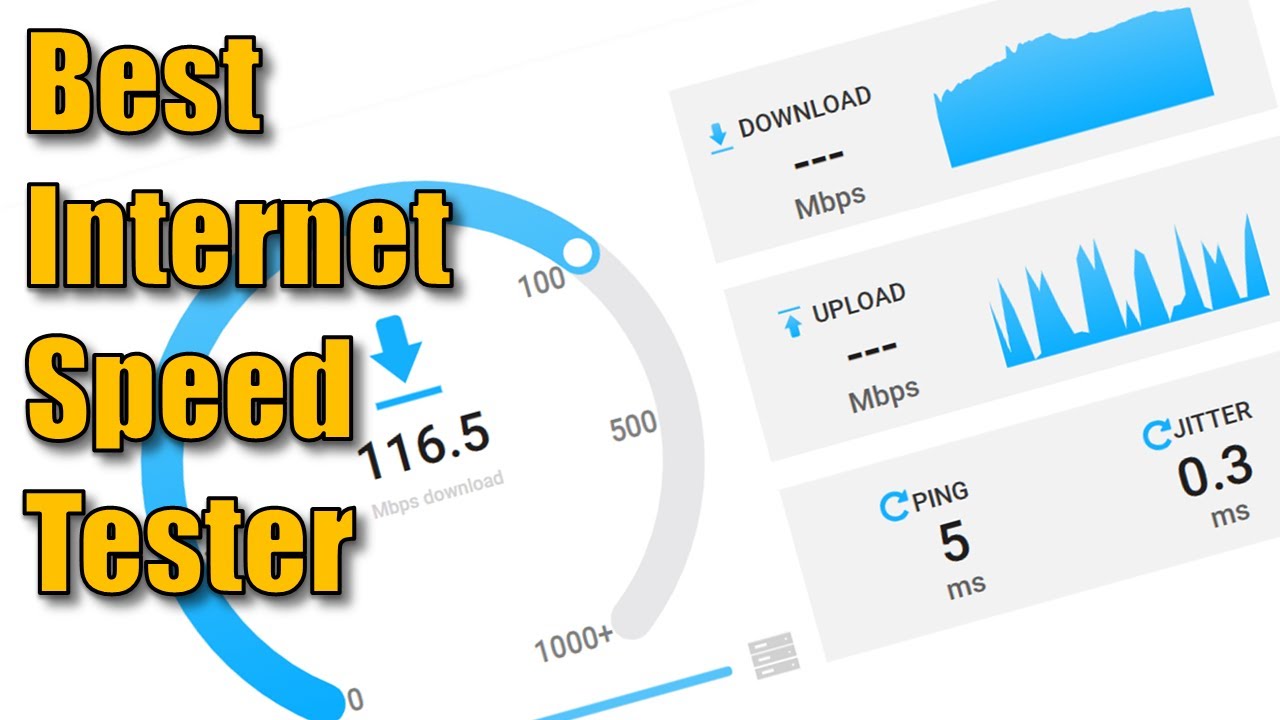
Ready to Test Your Speed?
Ensure your network is performing! Check out our video on how to test your internet speeds
Subscribe Now!
If you found this Wi-Fi Standards Explained guide helpful and are ready to stop guessing and start troubleshooting your own tech plus smart DIY, head over to the Built By Pete YouTube channel! We’ve got hundreds of other DIY projects and smart home tutorials. Click here to subscribe to the BuiltByPete youtube channel and hit the notification bell so you never miss out on the tips, tricks, and step-by-step guides that will simplify your tech life.