Powering the Future: Why DIY Solar is Joining the Stack at Built By Pete
Until now I haven’t looked at DIY Solar. We’ve focused on general DIY, maker projects and the “brains” of the home—the routers, the mesh systems, and the rock-solid network racks that keep our digital lives running. But as any tech enthusiast knows, even the smartest home is just a collection of expensive plastic boxes if the power goes out.
So I’m incredibly excited to announce that DIY Solar and Power are officially joining the lineup here at Built By Pete. It’s a natural evolution: if you can manage a home network, you can definitely manage your own energy production.
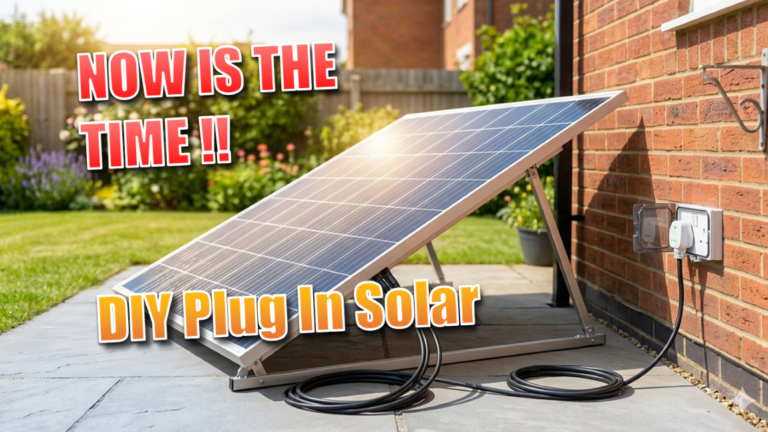
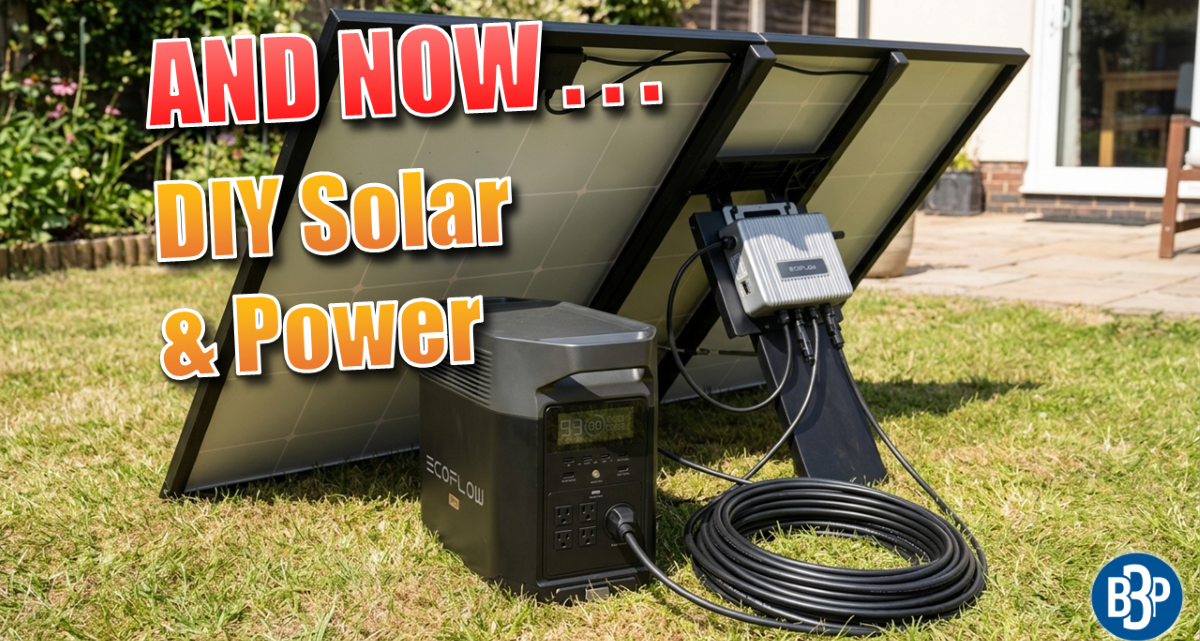
The First Step: Plug-In DIY Solar
I know that jumping straight into a massive whole-home battery backup can feel like trying to build a server farm before you’ve learned how to crimp an Ethernet cable. That’s why we are starting our DIY solar journey with Plug-In Solar.
It’s the perfect “gateway” project for the tech DIYer. These systems are designed to be accessible, manageable, and—most importantly—instantly rewarding. We’ll be looking at how to safely set up these kits to offset your home’s “baseload” (that constant power draw from your always-on tech) by utilizing your existing infrastructure. It’s the ultimate weekend project to get your feet wet before we move on to the heavy-duty gear.

What Can 800W of DIY Solar Power?
With the typical plug in solar power providing up to 800w, what can you expect to power around the home when the sun is out.
| Device | Typical Draw (Watts) | Can an 800W Kit Run It? |
| ASUS AX88U Router | 15W – 20W | ✅ Easily |
| Custom NAS / Home Server | 50W – 150W | ✅ Easily |
| Gaming PC (Under Load) | 350W – 600W | ✅ Yes |
| Standard Fridge | 100W – 200W | ✅ Yes |
| Electric Kettle | 2000W – 3000W | ❌ Only partially offsets |
Same Channel, More Power
Before anyone worries that we’re turning into a purely “green energy” channel—don’t. We will still be producing all of our usual material. My commitment to deep-diving into ASUS router configurations, network security, home lab setups, troubleshooting your internet connection, DIY and maker projects isn’t going anywhere. Think of DIY solar as an “expansion pack” for the channel; we’re just adding a new layer to the stack so we can cover everything from the wall outlet to the Wi-Fi signal.
The Solar Roadmap: Comparing DIY Solar Paths
| Feature | Plug-In (The Gateway) | Hybrid (Mid-Tier) | Whole Home (Off-Grid Ready) |
| Skill Level | Beginner (Plug & Play) | Intermediate (Some Wiring) | Advanced (Full Install) |
| Typical Output | 400W – 800W | 3kW – 6kW | 10kW – 20kW+ |
| Best For | Offsetting your Router/PC | Running your Kitchen/TV | 24/7 Power Security |
| Storage | Rarely (Direct Feed) | Small (5kWh – 10kWh) | Large (50kWh – 90kWh+) |
| Main Benefit | Zero-Install Savings | Lower Bills + Backup | Total Energy Independence |
Why This Matters for the Community
- The Ultimate “UPS” for Your Life: We’ve talked extensively about Uninterruptible Power Supplies for your servers. Solar is essentially a UPS for your entire house.
- Logic-Based Learning: If you enjoy the logic of networking—mapping out IP addresses and managing traffic—you’re going to love the logic of solar. Managing energy “traffic” through an inverter is the ultimate nerd-tier home project.
- True Independence: There is a unique satisfaction in knowing your network is being powered by the sun. It fits perfectly with the “built, not bought” spirit we’ve cultivated here.
What’s Next?
We aren’t going to just show you a finished install and call it a day. We’re going to do it the “Pete” way: breaking down the “scary” parts of electricity into manageable steps, reviewing the actual hardware you need, and conducting real-world testing to see if the claims on the box match the reality in the rack.
The goal has always been to empower you to take control of your home technology. Now, we’re just taking control of the juice that makes it all run.
Learn and Pivot With Me
I’m not starting this as an expert; I’m starting as a student of the technology. I’ll be providing updated articles and videos showing exactly how I installed the equipment, which accessories I used, and honest evaluations of their performance.
On my journey I’ll be exploring related topics including Solar, Renewables and Energy Independence. Specifically I’ll b delving into:
- Backup Storage: Adding battery capacity to keep my network running during an emergency.
- Supplementing Power: Scaling up to offset the heavy hitters like my server rack.
- Off-Grid Ambition: Eventually taking parts of my home—or the whole house—entirely off the grid.
DIY Plug in solar is just the start. As I learn, I’ll likely change direction—and I’ll show you exactly why. Join me as I plug in for the first time.
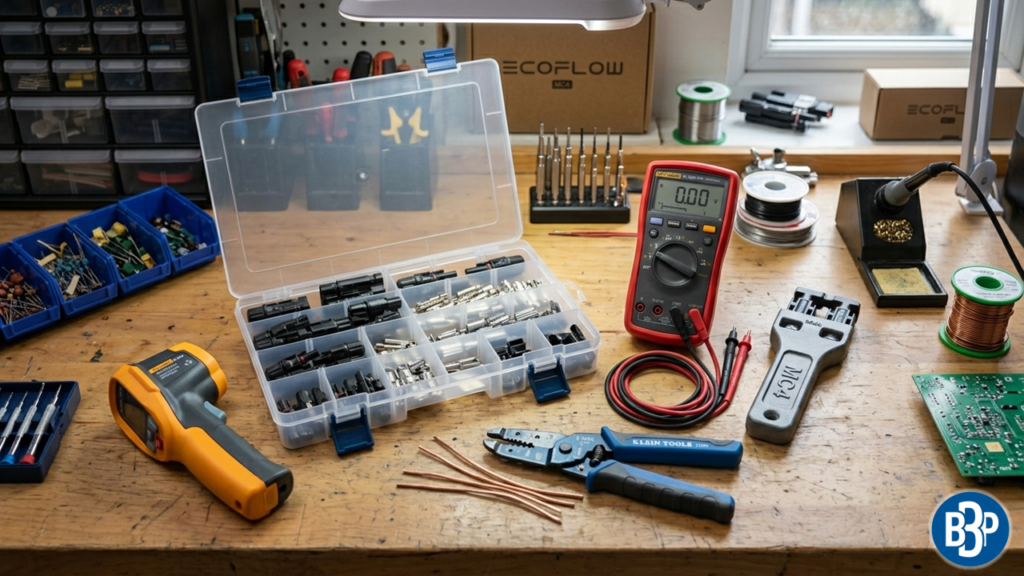
The Solar Toolkit: Essentials for the Journey
Just like you wouldn’t terminate Cat6 with a pair of scissors, you shouldn’t approach solar with a standard DIY toolbox. Here’s what you need on the bench before we start the first project.
| Tool | Why You Need It | The “Pete” Take |
| MC4 Connector Kit | For making custom-length solar cables. | If you can crimp an RJ45, you can do this. It’s actually easier. |
| Digital Multimeter (CAT III/IV) | To check panel voltage and polarity. | Crucial. Don’t guess which wire is positive. Test it every time. |
| MC4 Disconnect Tool | To unplug panels without breaking the clips. | A $10 plastic tool saves you $100 in frustration. Get two. |
| Wire Strippers (8-14 AWG) | For the thicker solar and battery cables. | Your standard networking strippers won’t cut it here; get the heavy-duty ones. |
| Infrared Thermometer | To check for “hot spots” on connections. | Great for monitoring your inverter or battery terminals under load. |
A Note on Safety (The “Don’t Let the Smoke Out” Rules)
We’re moving from 5V/12V DC in routers to potentially 100V+ DC and 240V AC. Before we plug in that first panel, keep these Pete-approved rules in mind:
- Respect the “Baseload”: Plug-in solar is designed to offset what you use, not push power back into the grid for profit. We start small to ensure your home’s existing circuits aren’t overloaded.
- The “No-Spark” Sequence: Always connect your solar panels to the inverter last, and disconnect them first. Solar panels are “live” the second sunlight hits them—there is no “off” switch on the sun!
- Polarity is King: In networking, a crossed wire might mean a dropped packet. In solar, crossed polarity can mean a fried inverter or a fire. We use the multimeter for every connection.
- Local Codes Matter: I’m showing you my journey and how these systems work technically, but always check your local regulations. Some areas have specific rules about “plug-and-play” kits.
Note on Safety: As we move into solar and electrical DIY, remember that electricity can be dangerous. Always follow local codes, consult professionals where necessary, and prioritize safety above all else. I’ll be sharing my journey, but your safety is your responsibility!
FAQ: “The DIY Solar Newbie Questions”
Q: Can I really just plug a solar panel into a wall outlet?
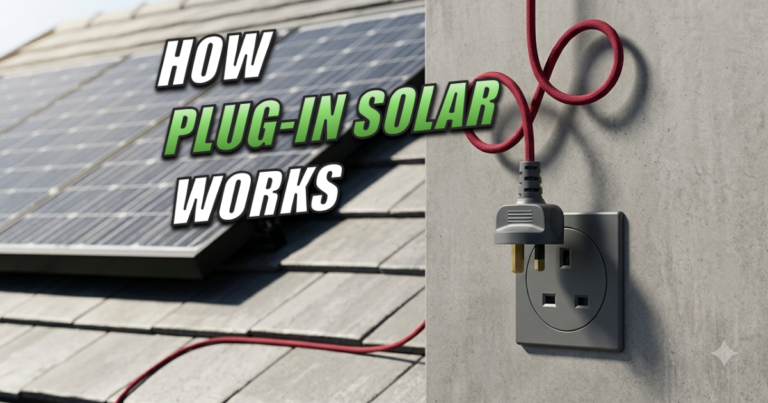
A: Yes, but with a specific kit. These use a microinverter that syncs the solar energy with your home’s AC frequency. It’s designed to “push” power into your house so your appliances use that “free” juice first before pulling from the grid. The UK is in the process of changing the regulations. So watch this space for final approval.
Q: Will this damage my home wiring?
A: Not if you stay within the recommended limits (usually around 800W for a single circuit). In our upcoming guides, I’ll show you how to check your breaker capacity to make sure you aren’t overloading your existing lines.
Q: Does “Plug-In” solar work when the grid goes down?
A: Generally, no. Standard plug-in kits are “grid-tied” for safety. If the grid goes out, they shut off to prevent backfeeding power to utility workers. For “lights-out” protection, you’ll need the battery systems we’ll be covering later in the series.
Q: How much will this actually save me?
A: A standard 800W kit can save roughly £100–£140 per year by handling your home’s “background noise” (routers, fridge, idle PCs). It’s not about retiring early; it’s about making your tech pay for itself.
Further Reading
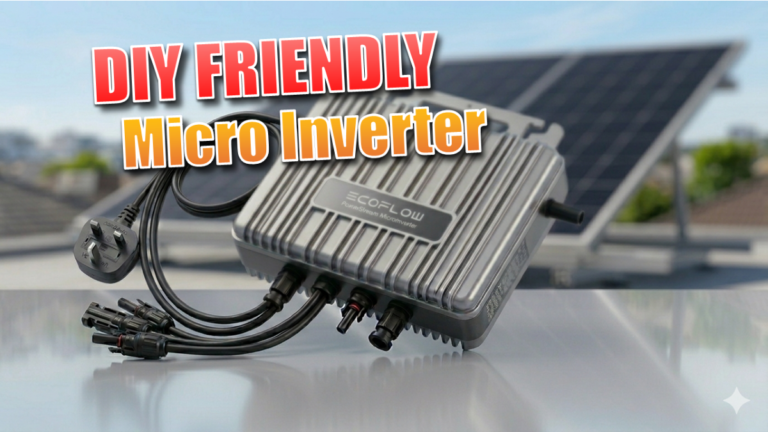
- Ecoflow PowerStream: DIY Friendly Grid-Tied Microinverter
- The Solar Journey: Now is the Time for “DIY Plug In Solar”
Subscribe Now!
If you are interested in following me on my DIY solar journey, be sure to check back here often and head over to the Built By Pete YouTube channel! where i’ll post all my DIY Solar Videos. We’ve also got hundreds of other DIY projects and smart home tutorials. Click here to subscribe and hit the notification bell so you never miss out on the tips, tricks, and step-by-step guides that will simplify your tech life.