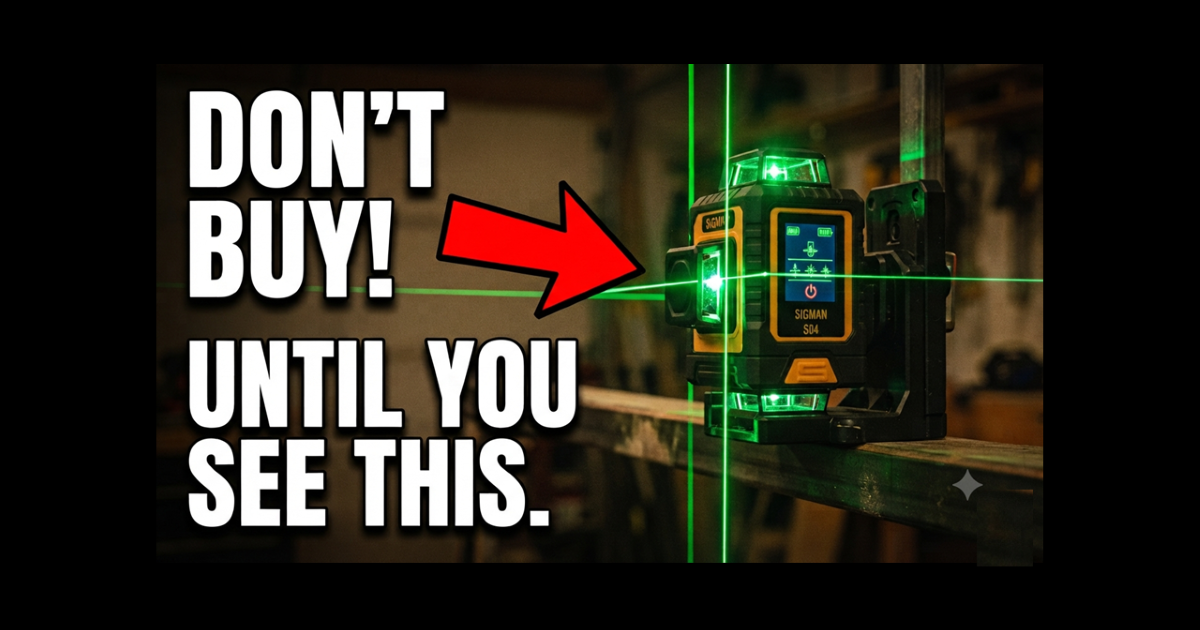
Don’t Buy a Laser Level Until You See the Cigman S04: A Full Hands-On Review
There is nothing quite like unboxing a new precision tool. In my latest project, I decided it was time to move beyond standard bubble levels and see if the Cigman S04 Laser Level lives up to the hype for a serious DIYer.
At under £200, this laser level promises professional-grade features—but does it actually make the job easier, or is it just another gadget? Let’s peel back the layers.
Watch The Detailed Video Review
Continue reading or if you prefer you can watch the detailed walk through review over on our Youtube channel
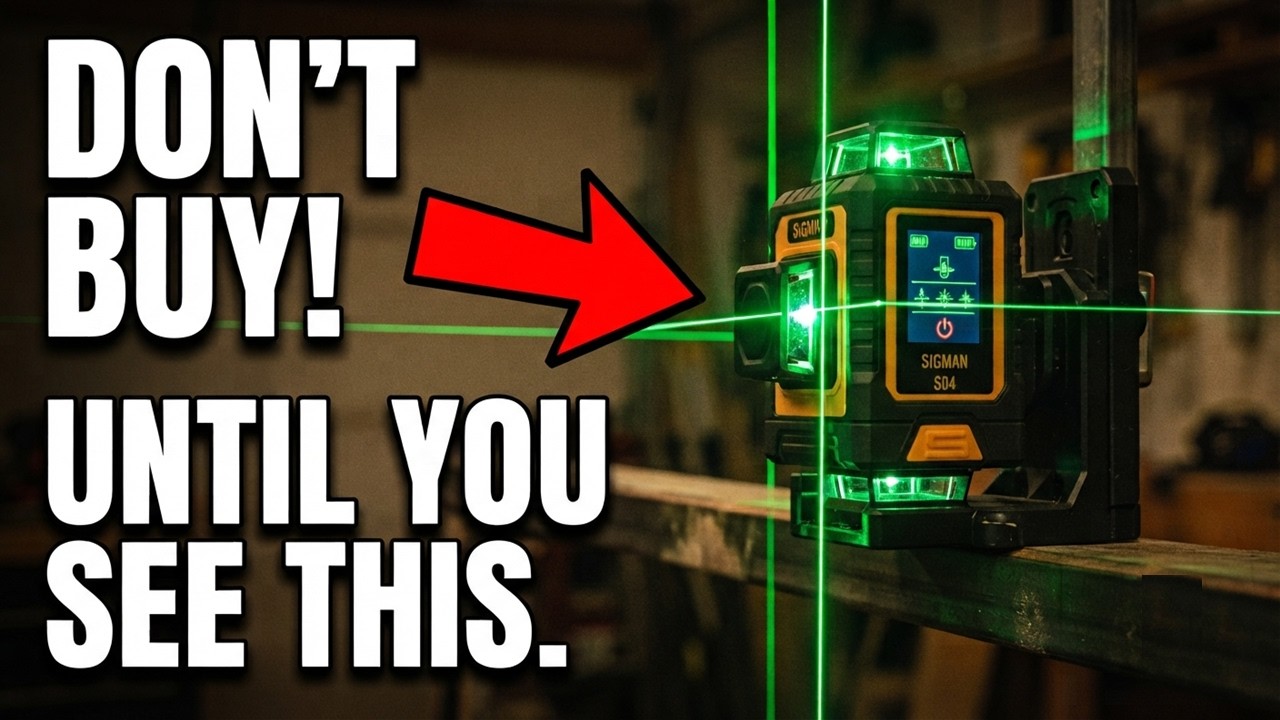
First Impressions: The Build
Right out of the sturdy cardboard packaging, you’re greeted with a hard plastic storage case. Everything inside has a purpose: the foam is precision-cut, and the accessories are clearly organized.
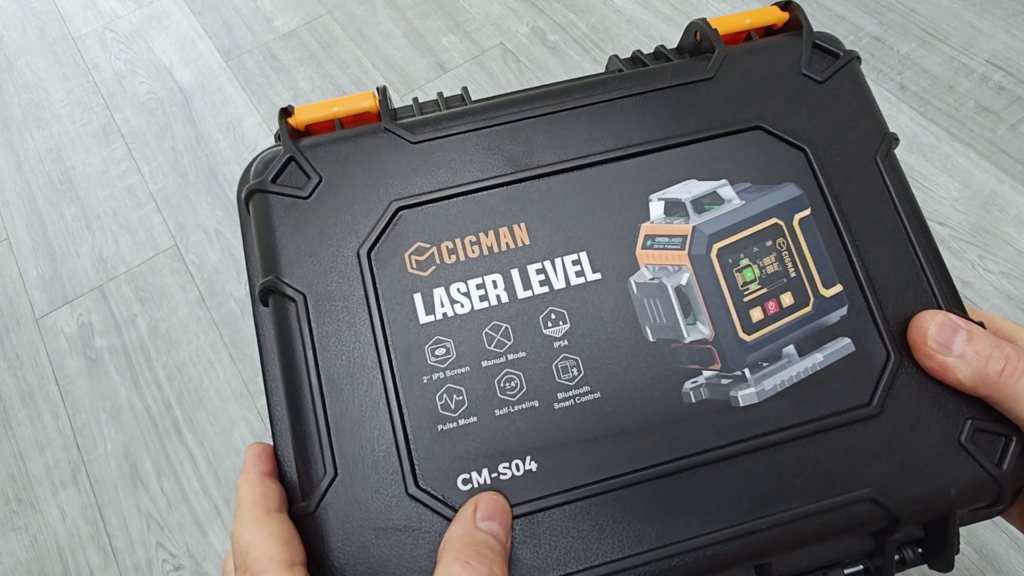
What’s in the box:
- The Cigman S04 unit
- Two 7.4V lithium-ion batteries
- Versatile magnetic mounting bracket
- Portable scissor-lift platform (for fine height adjustment)
- User manual & USBC charging lead
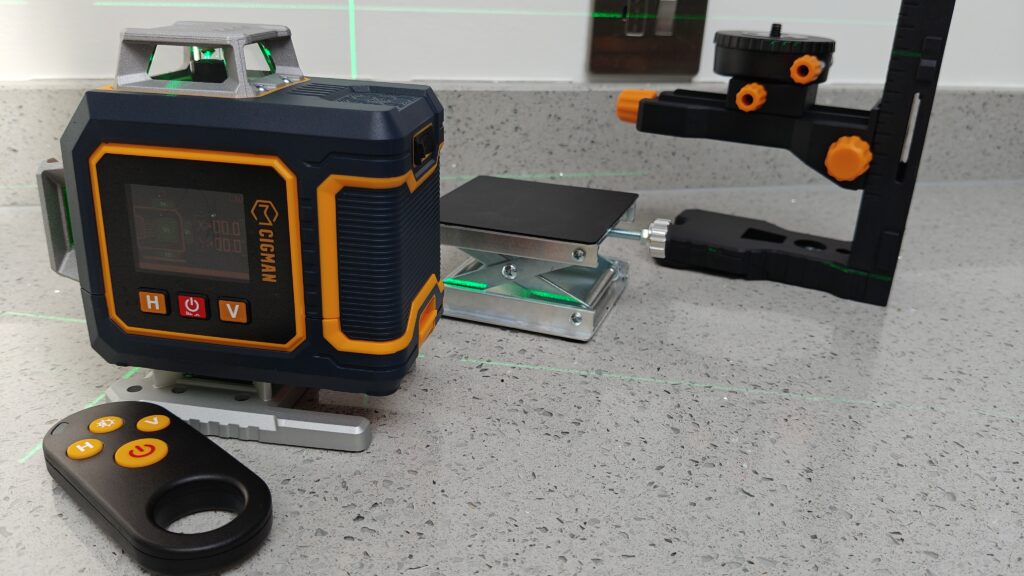
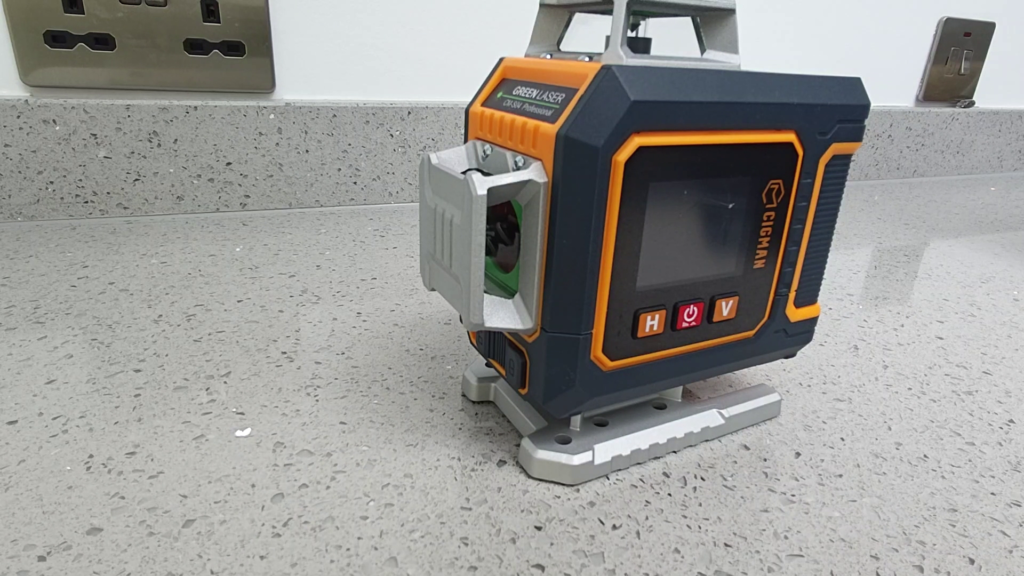
The laser level itself feels robust—it’s built with a rigid plastic frame and a soft, rubberized coating that feels like it can take a few knocks in a workshop environment. It’s also IP54 rated, so it’s protected against dust and water if you’re working on an outdoor project.
Key Technical Specifications
For those who want the numbers, the S04 is impressive for this price point:
- Laser Type: Green Class 2 (505–550 nm).
- Coverage: 4 lasers (2 vertical, 2 horizontal) providing full 360° projection.
- Accuracy: ±1.5 mm at 5 meters.
- Compensation: ±3° self-leveling range.
- Runtime: ~7 hours per battery (14 hours total with the two included).
- Operating Temp: -10°C to +50°C.
The “Game Changers”
1. The 2-inch IPS Screen
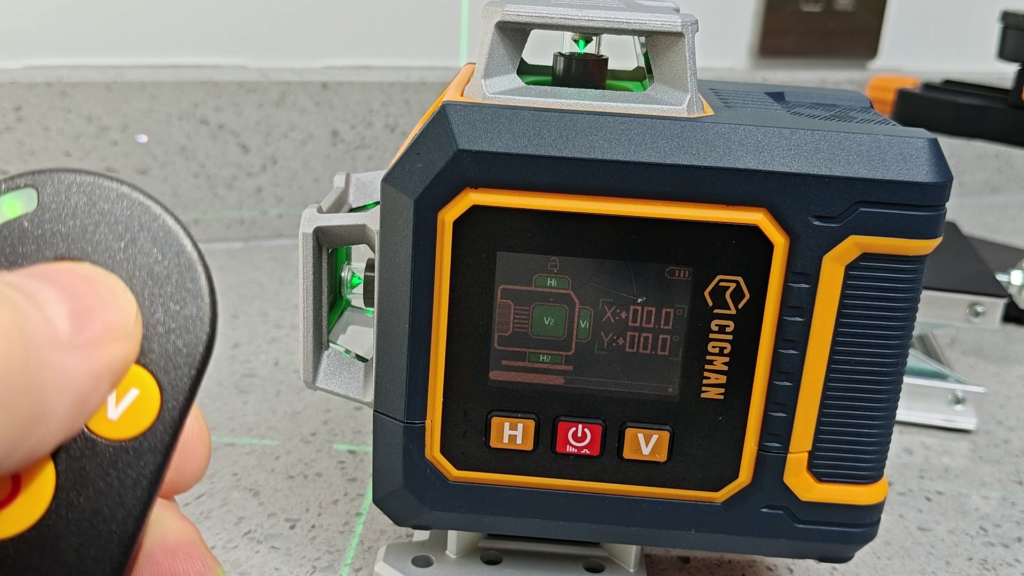
This isn’t just for show. The screen provides instant visual feedback on the X and Y axes. If the unit is outside its 3° self-levelling range, the display lets you know immediately by flashing. It takes the guesswork out of setup.
2. Smart Connectivity
Our tools should be as smart as our homes. The Bluetooth integration allows you to control the unit via a smartphone app. You can toggle specific lasers, adjust brightness, or switch to strobe mode without even touching the unit, which is perfect if you have it mounted in a hard-to-reach spot.
3. Mounting Versatility
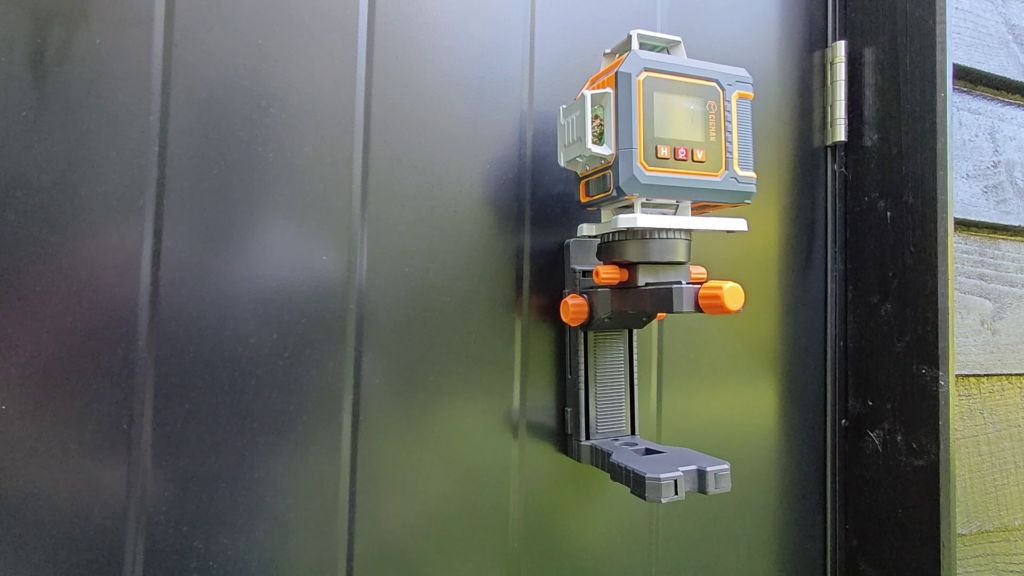
The included scissor-lift is a neat addition for fine-tuning your laser level’s horizontal lines. However, the real star is the mounting bracket. It features four powerful magnets that hold the laser securely to steel beams or door frames. If you are working on wood or masonry, the supplied steel plate allows you to create a secure mount anywhere.
Using the S04: Manual vs. Automatic
The unit features a pendulum lock. When released, the internal pendulum system handles the leveling automatically. But, for those times when you need a specific angle (like for stair railings or custom framing), you can lock the pendulum and trigger “manual mode.” The IPS screen will then display the exact angle you are projecting—a massive help for complex builds.
The Verdict: Is the Cigman S04 Right for You?
After putting the Cigman S04 through its paces, I’m confident in saying it sits in that “sweet spot” for the modern DIYer. It bridges the gap between those cheap, unreliable bubble levels and expensive, industrial-grade equipment that would be overkill for most home projects.
The Bottom Line
If you are tired of manually leveling projects or dealing with the limitations of a basic cross-line laser, the S04 laser level is a massive productivity booster. The combination of 360-degree coverage, digital angle feedback, and smart app connectivity makes it one of the most versatile tools I’ve added to my shop this year.
You should buy the Cigman S04 if:
- You are tackling multi-room projects like cabinetry, tiling, or framing.
- You value precision and want real-time digital feedback on your leveling.
- You want a future-proof tool that connects with your devices for remote control.
You might want to look elsewhere if:
- You only need a simple, single-line laser for hanging an occasional picture frame (this unit might be more than you need).
- You exclusively work in blindingly bright outdoor daylight conditions without the aid of a detector/target board.
My Final Rating: 4.5/5
It’s accurate, durable, and feels like a professional upgrade that will pay for itself in time saved and frustration avoided.
Where to Buy
You can get this direct from the Cigman Website or from places like Amazon. Here’s a few useful links for you check the laser level out for yourself:
I’ll be putting this Laser Level to the test on my Ultimate Shed Build project, so keep an eye on the channel for more!
Watch the Full In Depth Review
Whether you’re framing out a shed or installing complex kitchen cabinetry, the Cigman S04 is a tool that helps you “Build Smarter.” Have you used a laser level with an integrated display before, or are you still loyal to your traditional levels? Let me know in the Youtube video comments below!
Laser Level Frequently Asked Questions
Q: Can I use the Cigman S04 outdoors?
A: Yes. The unit is IP54 rated, which provides good protection against dust and splashes, making it suitable for outdoor environments. However, keep in mind that like most class 2 lasers, the beam can be harder to see in direct, bright sunlight. I highly recommend using the included target board to help amplify the beam visibility in these conditions.
Q: How long does the battery actually last?
A: The kit comes with two 7.4V lithium-ion batteries. Each battery provides roughly 7 hours of continuous use, giving you a total of 14 hours of runtime. Since the batteries are quick to swap, you can have one charging via the USB-C port while you continue working with the other.
Q: Does it work with a standard camera tripod?
A: It certainly does. The base of the laser unit features a standard 1/4-inch threaded insert. This means it is fully compatible with most standard camera tripods, which is great if you need to reach heights that the included stand can’t manage.
Q: What happens if I need to project a line at an angle?
A: Most laser levels will flash a warning if they aren’t level. However, the S04 has a manual mode for this. By locking the pendulum, you can bypass the self-leveling feature to project lines at any angle. The IPS screen will display the exact angle, which is incredibly useful for things like stair railings or raked ceiling joists.
Q: Is the Bluetooth app necessary for operation?
A: Not at all. The laser level can be fully controlled using the physical buttons on the unit itself and the provided remote control. The app is a convenient “extra” that gives you a better view of the leveling data and easier control over settings if the unit is mounted in a tricky or high-up location.
Q: What is the benefit of the green laser compared to red?
A: Green lasers are generally much more visible to the human eye than red lasers, especially in well-lit indoor environments. This makes the S04 much easier to track over longer distances without needing to constantly check your reference points.
Further Reading
- Why the Neon Mains Voltage Tester Screwdriver is the Most Dangerous Tool in Your Box (And What to Use Instead)
- DeWALT DCS391N Review: The Best Entry-Level 18V Cordless Circular Saw?
- Why You Need Wire Ferrules for the Best Crimp Connections
- Impact Driver vs. Combi Drill: Which One Do You Actually Need?
- How to Install Concrete Anchor Bolts (The Best Way to Secure a Shed)
Subscribe Now!
I hope you found this Laser Level guide helpful. If you’re ready to stop guessing and start troubleshooting your own home tech and smart DIY projects safely, head over to the Built By Pete YouTube channel! We’ve got hundreds of step-by-step tutorials to simplify your tech life. Click here to subscribe and hit the notification bell so you never miss a guide!